
How to Buy Premium for the Email Verification Tool With bKash
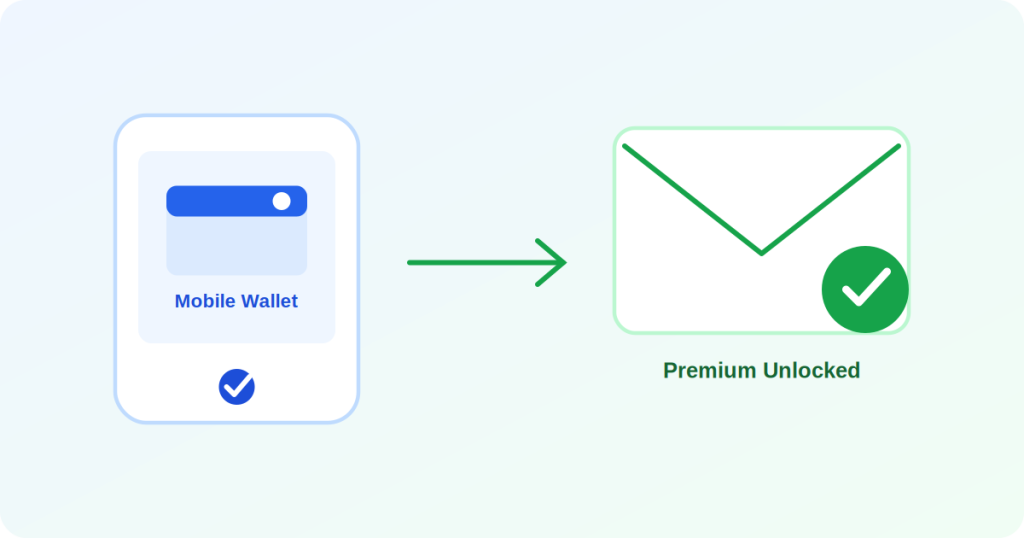
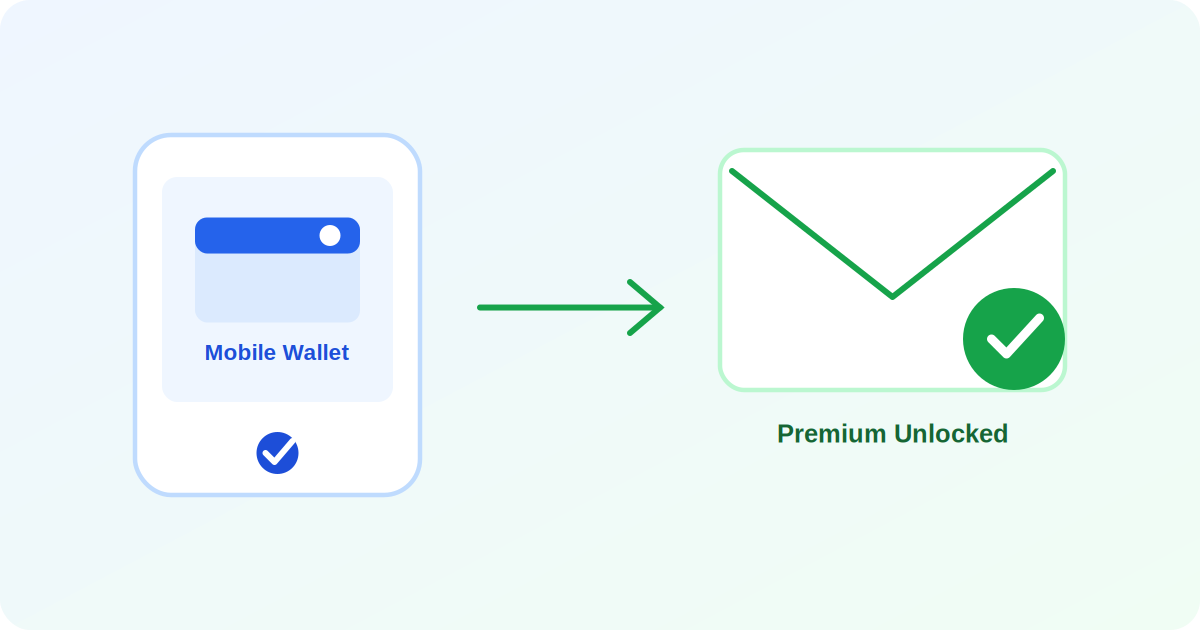
Most users in Bangladesh do not have an international card, which makes paying for a foreign tool the single biggest blocker. This tool does not have that problem - bKash, Nagad, and Rocket are supported directly, so Premium can be unlocked in about a minute from any mobile banking account.
Why you might need Premium
The free version allows a limited number of checks per day - plenty for personal use, but nowhere near enough if you need to verify a bulk email list or you are running checks for an agency or business every day. Premium removes the daily cap so a whole list can be verified in one pass.
Steps to pay with bKash
- Go to the Premium upgrade page and choose the Monthly or Yearly plan.
- Enter your phone number and click Pay - this opens SSLCommerz's secure checkout page.
- Select bKash (or Nagad, Rocket) as the payment method and confirm using your own bKash app or PIN as prompted.
- Once payment succeeds you are automatically returned to the tool and Premium is activated immediately - nothing further to do.
Is the payment safe
The entire payment flow runs through SSLCommerz, the most widely used payment gateway in Bangladesh. Your bKash PIN or account details are never stored on this site - everything happens on the gateway's own secured page, and Premium is only activated after the transaction is confirmed, not merely on the basis of a browser redirect.
If a payment does not go through
A failed or cancelled payment never activates Premium and never deducts anything permanently - mobile banking apps sometimes show a temporary hold that clears on its own within a few minutes. If Premium still is not active a few minutes after a successful payment, the support form on the Premium page is the fastest way to get it resolved.
Unlock Premium with bKash now
Try it free