
A Free Alternative to Hunter.io – For Verification, Not Finding
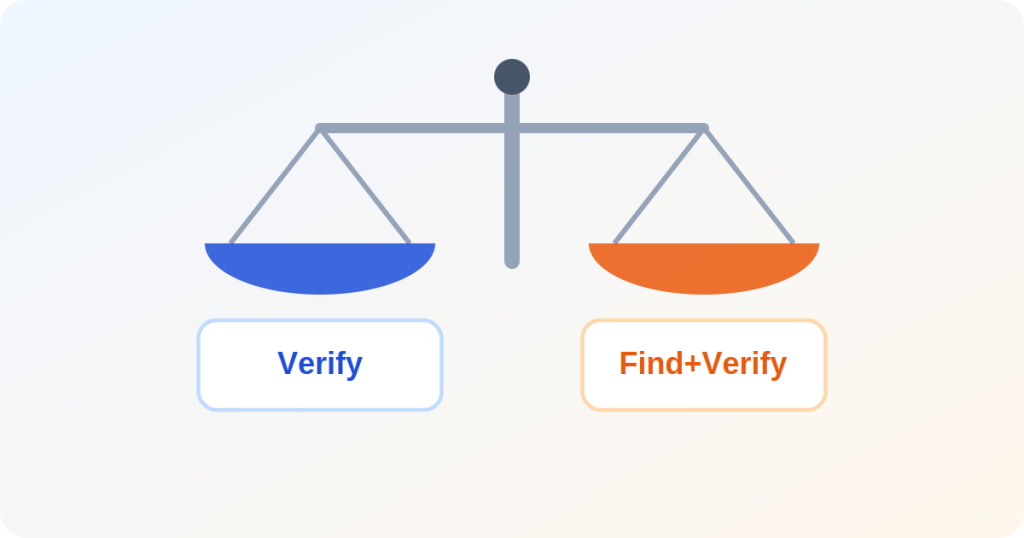
Hunter.io is built primarily as an email finder - given a name and a company domain, it tries to locate the person's address, then verifies it. Its free plan gives a modest pool of credits shared between both jobs, so if you are only ever using the verify half against addresses you already collected yourself, a chunk of that quota is wasted on a capability you are not using.
When you do not actually need a finder
If every address on your list came from your own signup form, checkout, or lead form - rather than being guessed from a name and a domain - you never needed the finding half of Hunter to begin with. A verifier built to embed directly on your own WordPress forms checks the same MX/mailbox/disposable signals without spending credits on a search you are not running.
Feature-by-feature comparison
| Capability | Free self-hosted checker | Hunter.io |
|---|---|---|
| Verify an address you already have | Yes, unlimited | Yes, shares credit pool |
| Find an address from a name + domain | No | Yes |
| Embeds on your own WordPress form | Yes | Via API only |
| Outbound campaign / sequencing tools | No | Yes, paid tiers |
| Cost for pure verification, no finding | Free | Shares paid finder credits |
When Hunter is still the right tool
Outbound sales prospecting and recruiting genuinely need a finder - guessing a target contact's address at a company they have not given you - and that is a job a pure verifier was never built to do. For that specific workflow, Hunter's bundled finder, verifier, and campaign tools solve a real problem this plugin does not attempt.
Frequently Asked Questions
Does a pure verifier check the same things Hunter's verify step checks?
Yes for the core signals - MX record, mailbox existence, catch-all and disposable-domain detection. The difference is not verification depth, it is that Hunter bundles a finder you may never use into the same credit pool.
Can I use both - Hunter for finding, a free checker for verifying?
Yes, and it is a common split: use Hunter's finder only for the addresses you genuinely need to locate, then verify everything - found or self-collected - on your own form without spending finder credits on the verify step.
Compare the full feature list
Try it free